
Project Details
The Stocks Information Broadcasting project will guide you through the steps to build a broadcasting system for your stocks and trading application. You will be able to integrate the SuprSend API into your application, set up broadcasting logic and subscriber lists, and run timed broadcasts to those subscribers.
Preview:
- Deployed Link: Stock Alerts
- GitHub Repo Link: SuprSend-NotificationAPI/Stocks-information-broadcast
Application Features
- Add Subscribers: You can add subscribers from the application’s front end, and update it automatically on SuprSend application using Lists API.
- Remove Subscribers: You can remove subscribers from the application’s front end by passing the distinct_id of the user which will remove the subscriber from the List on SuprSend.
- Real-time Stock Updates: Using Alphavantage API, we would be receiving real-time stock notifications of US stocks.
- Sending Broadcasts: Sending broadcasts on your real-time subscriber list from the application’s frontend which calls SuprSend’s Broadcast API. It is an important use case of all stocks trading/algo trading applications where updating users with real-time stock information is required at set times.
- Users can Subscribe/Unsubscribe: Users can subscribe or unsubscribe to the stock updates as per their wish directly from the application’s frontend. Moreover, you can use SuprSend Preferences to automatically remove a user from receiving notifications of specific models.
Technology Stack
| Technology | Tools/Frameworks |
| Frontend | EJS, JavaScript |
| Backend | Node.js |
| Database | MongoDB |
| Notification API | SuprSend |
| Stocks API | Alphavantage |
File Structure
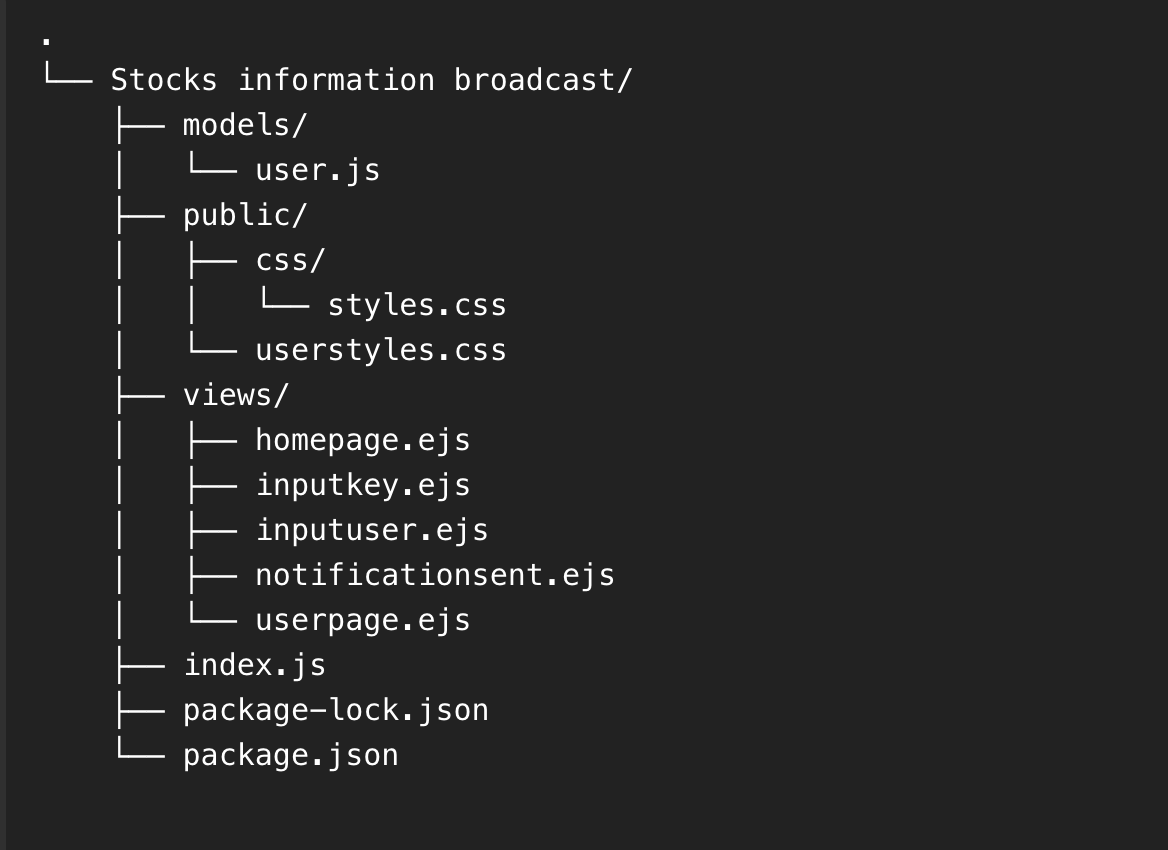
Frontend (UI/UX)
You can use and modify the above code to suit your design ideas.
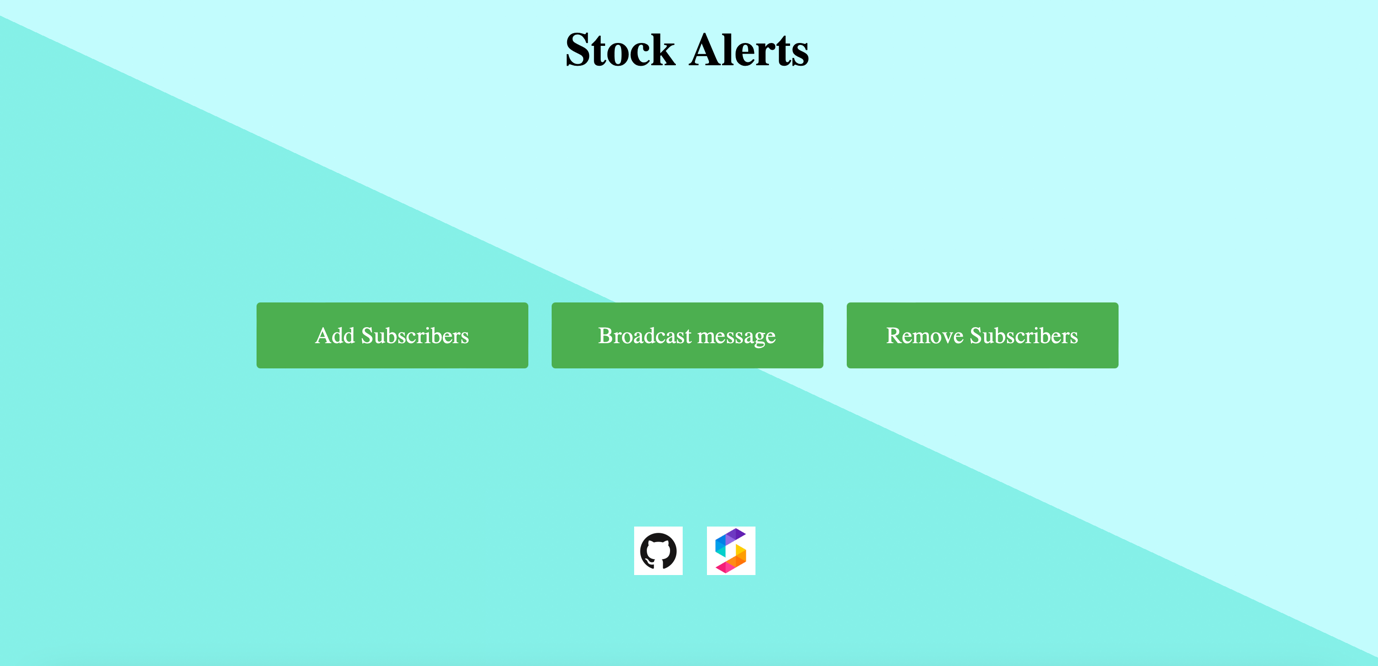
Homepage
This is our landing page when someone clicks and lands on our deployed URL. It contains the app functionalities along with our website link and project’s Github repository.
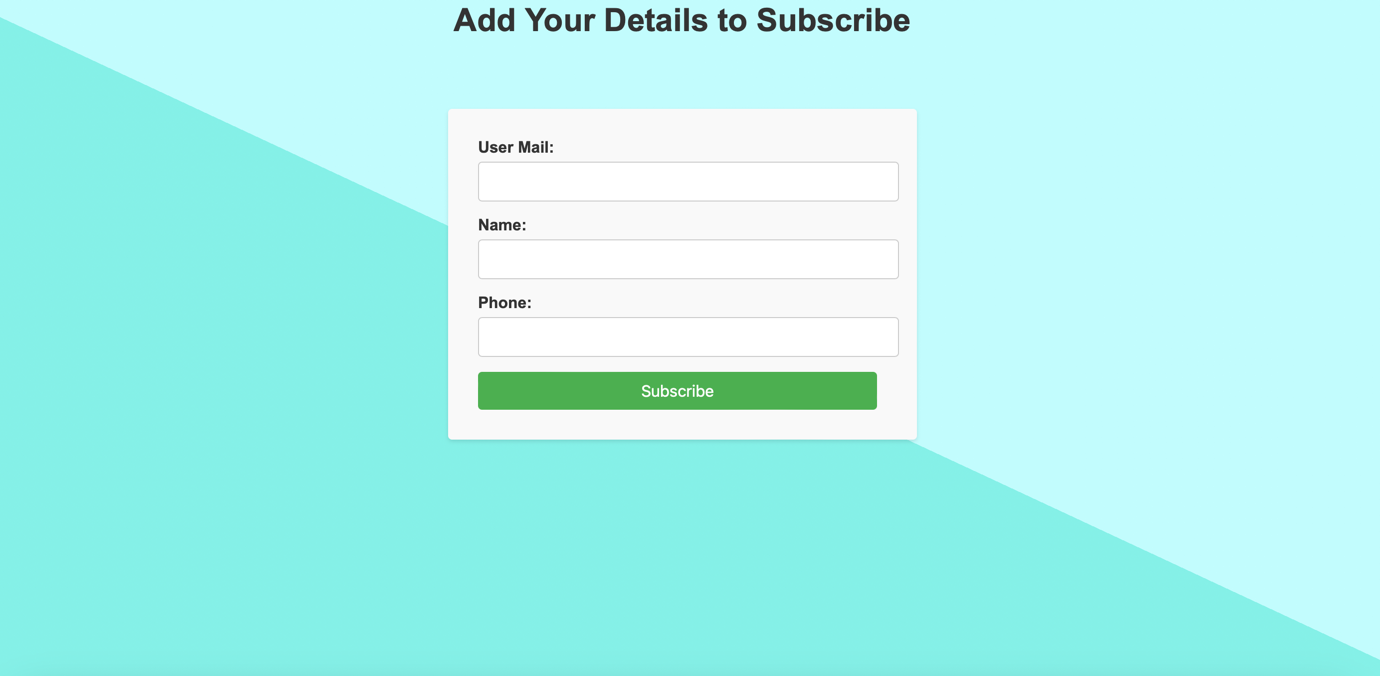
Add Subscribers Page
With this functionality, you can create multiple subscribers to which notifications would be sent. Businesses can also use our API to create subscriber lists programmatically.
Broadcast Testing
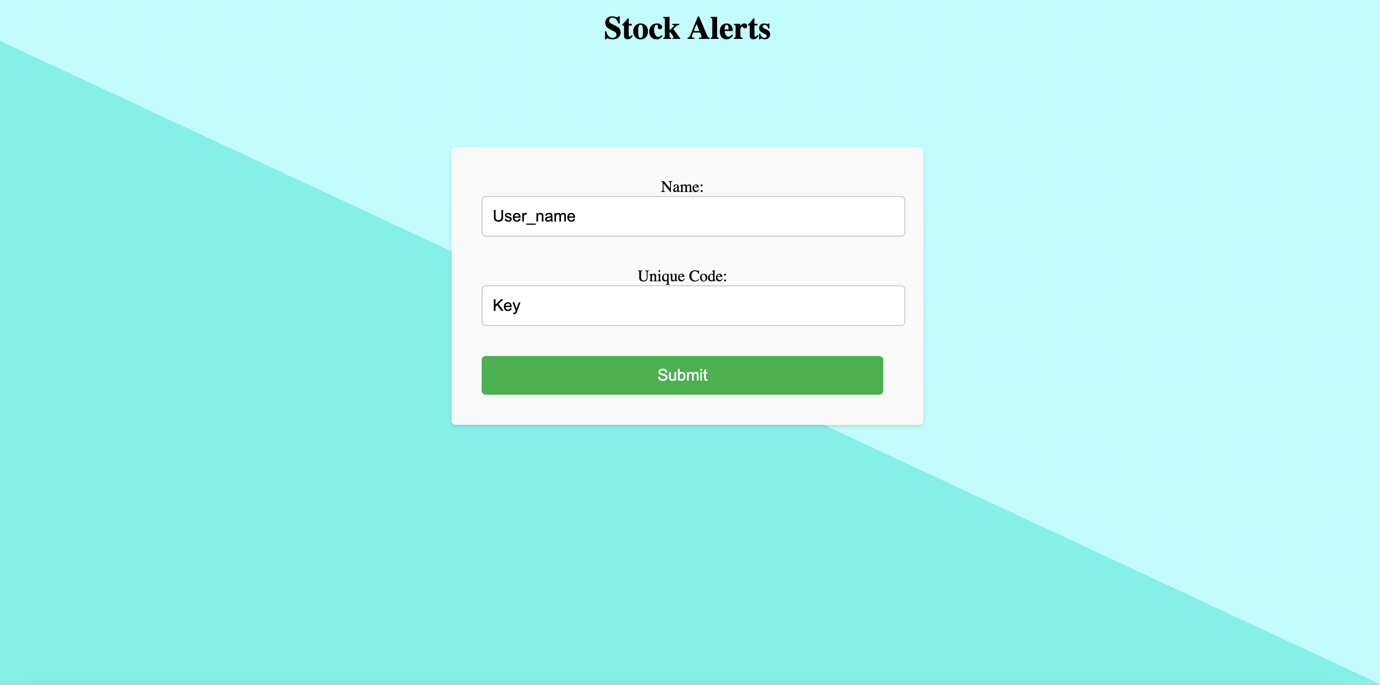
If a tester wants to test the broadcast message then he/she needs a key otherwise he/she cannot send the broadcast message.
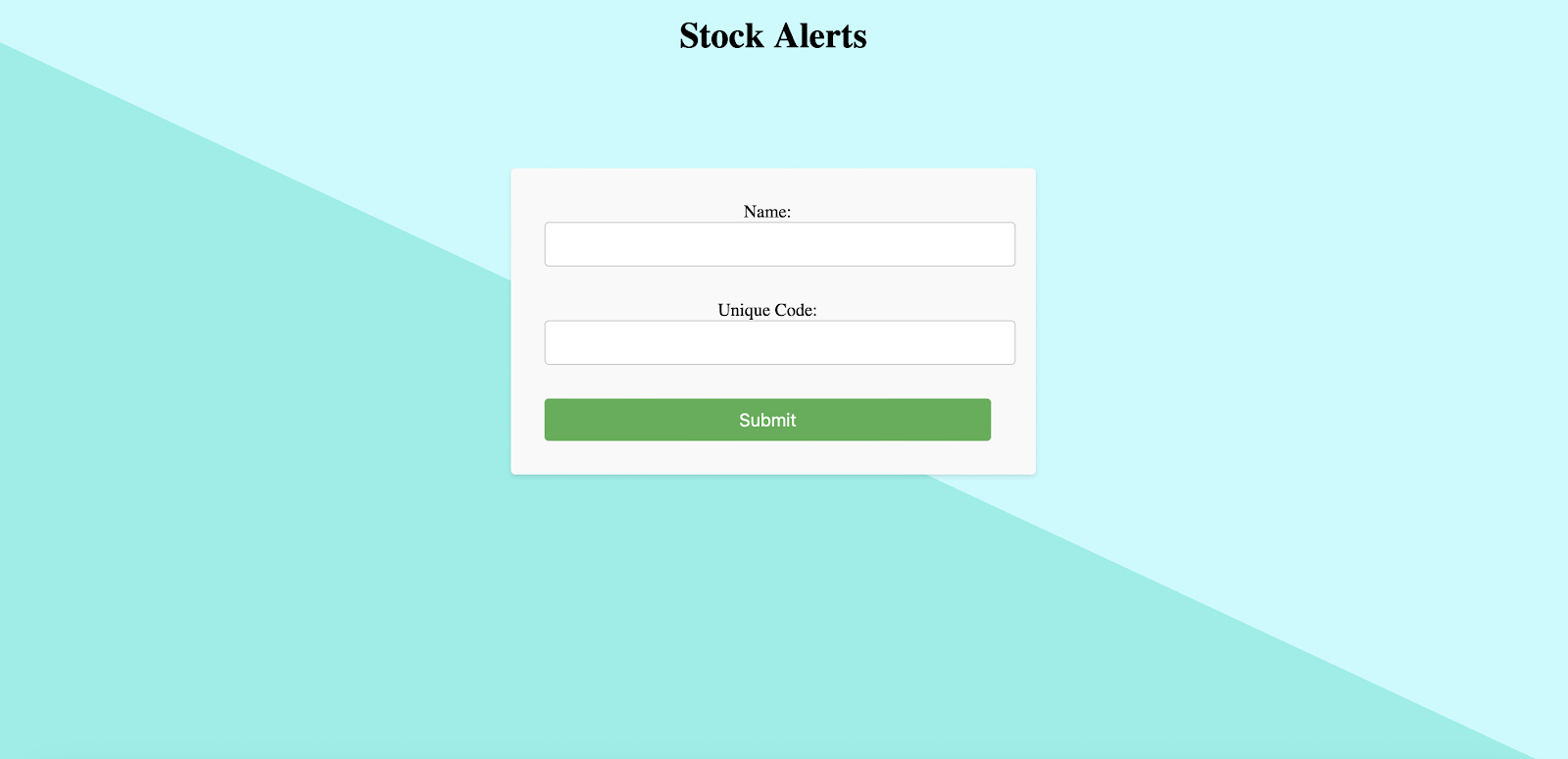
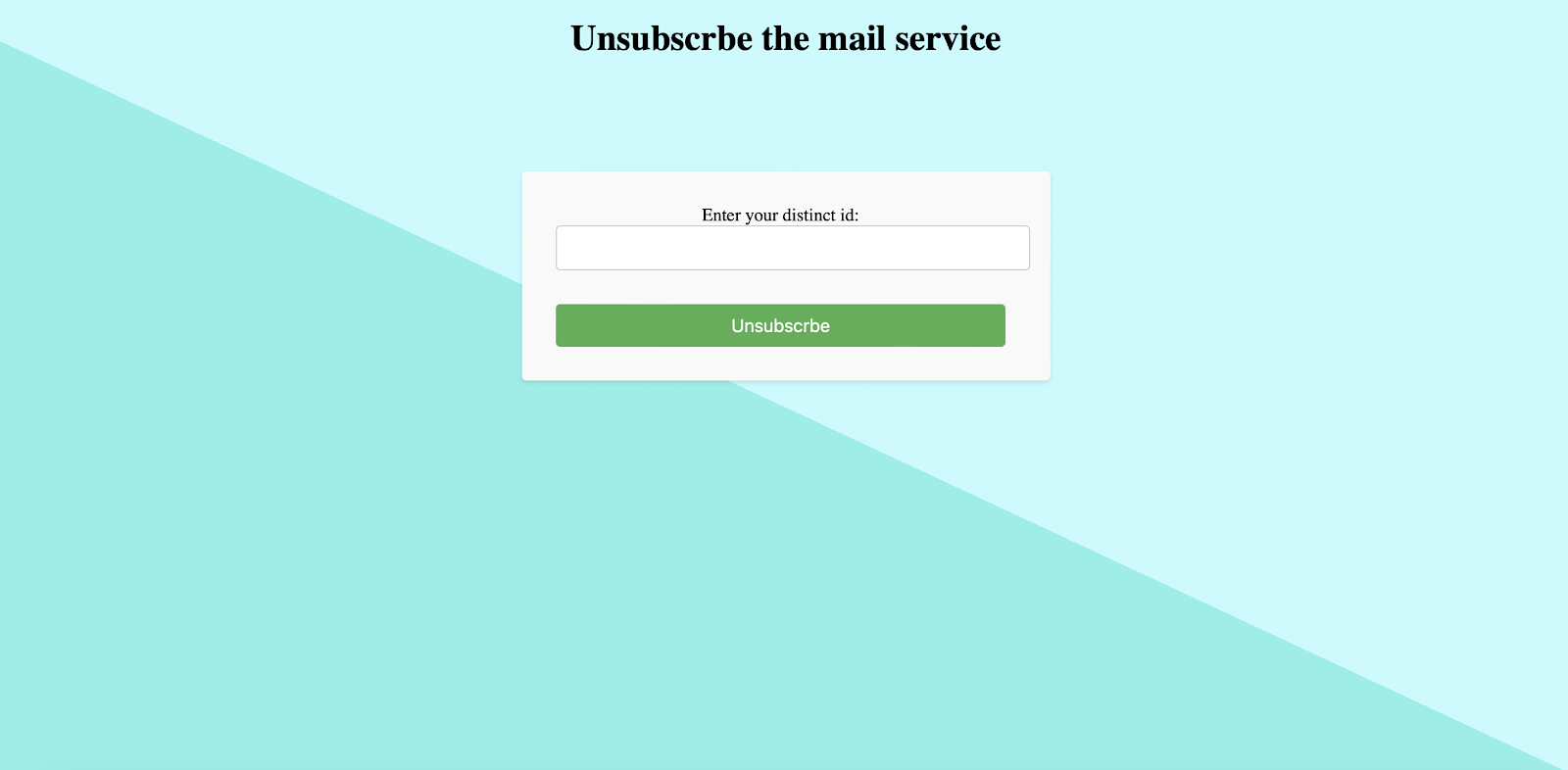
Unsubscribe Link
Users can also unsubscribe from the plan, and they will not receive any further updates. For that, they just need to type in their distinct user id generated at SuprSend.
Backend Codes and Integrations
We would be using MongoDB database to store users and their other important permissions.
models/user.js
const mongoose = require('mongoose');
const { Schema, model } = mongoose;

const UserSchema = new Schema({
  username: { type: String, required: true },
  name: String,
  phone: { type: Number },
});

const UserModel = model('User-stock', UserSchema);

module.exports = UserModel;
###Setting up the Backend
You can find the WORKSPACE_KEY and WORKSPACE_SECRET on the ‘Settings’ tab on SuprSend application, once you sign up.
require("dotenv").config()
const express = require("express")
const mongoose = require("mongoose")
const bodyParser = require("body-parser")
const User = require("./models/user")
const { Suprsend, SubscriberListBroadcast } = require("@suprsend/node-sdk");

const app = express();
app.set('view engine', 'ejs');
app.use(bodyParser.urlencoded({ extended: true }));
app.use(express.static("public"));

mongoose.set('strictQuery', true);
const uri = process.env.MONGO_URI;
mongoose.connect(uri, { useNewUrlParser: true });

const workspace_key = process.env.WORKSPACE_KEY;
const workspace_secret = process.env.WORKSPACE_SECRET;
const supr_client = new Suprsend(workspace_key, workspace_secret);
###Creating ‘List’ On SuprSend
The Lists SDK methods let you create a list of subscribers. You can then send bulk messages to all the subscribers in the list with a single API call.
const subscriber_lists = supr_client.subscriber_lists.create({
    list_id: "stocksubscribers",
    list_name: "Stock Subscriber",
    list_description: "This list contains the information of all the ids which are subscribed to the stock market site"
});
You can create multiple lists on the application, all of which would be visible in the ‘Subscribers’ section on the application. Using the list_id, you can use our API to broadcast notifications to that particular subscriber list.
###Getting Routes (index.js)
app.get("/", (req, res) => {
    res.render("homepage")
})

app.get("/createuser", (req, res) => {
    res.render("userpage");
})

app.get("/broadcastinput", (req, res) => {
    res.render("inputkey");
})

app.get("/removeuser", (req, res) => {
    res.render("inputuser");
})
###Post Routes
app.post("/add-user", (req, res) => {
    const { usermail, username, userphone } = req.body;
    const newUser = new User({
        username: usermail,
        name: username,
        phone: userphone
    })

    const distinct_id = usermail;
    const user = supr_client.user.get_instance(distinct_id)
    user.add_email(usermail)
    user.add_sms(userphone);

    const response = user.save()
    response.then((res) => console.log("response", res));

    const data = supr_client.subscriber_lists.add("stocksubscribers", [
        distinct_id
    ]);
    data.then((res) => console.log(res)).catch((err) => console.log(err));
    res.redirect("/");
})
##Integrating Stocks API and Implementing Notifications Broadcasting We use the Alphavantage API to get real-time stock prices which can be replaced by your stock/trading system. We will set up a key, which you can create of your choice, then that key would be used for authentication to send data.
app.post("/sendnotification", async (req, res) => {
    const { name, key } = req.body;
    console.log(name, key);
    if (key !== "any key of your choice") res.send("wrong key");
    else {
        // Rest of the code for sending notifications
        // ...
    }
})
##Triggering Broadcast Use the following code to setup your backend for triggering the broadcasts. Refer to this documentation for setting broadcast feature in Node.js: Broadcast (suprsend.com)
const supr_client = new Suprsend("_api_key_", "_api_secret_");

const broadcast_body = { ... }
const inst = new SubscriberListBroadcast(broadcast_body);
const data = supr_client.subscriber_lists.broadcast(inst);
data.then((res) => console.log(res)).catch((err) => console.log(err));
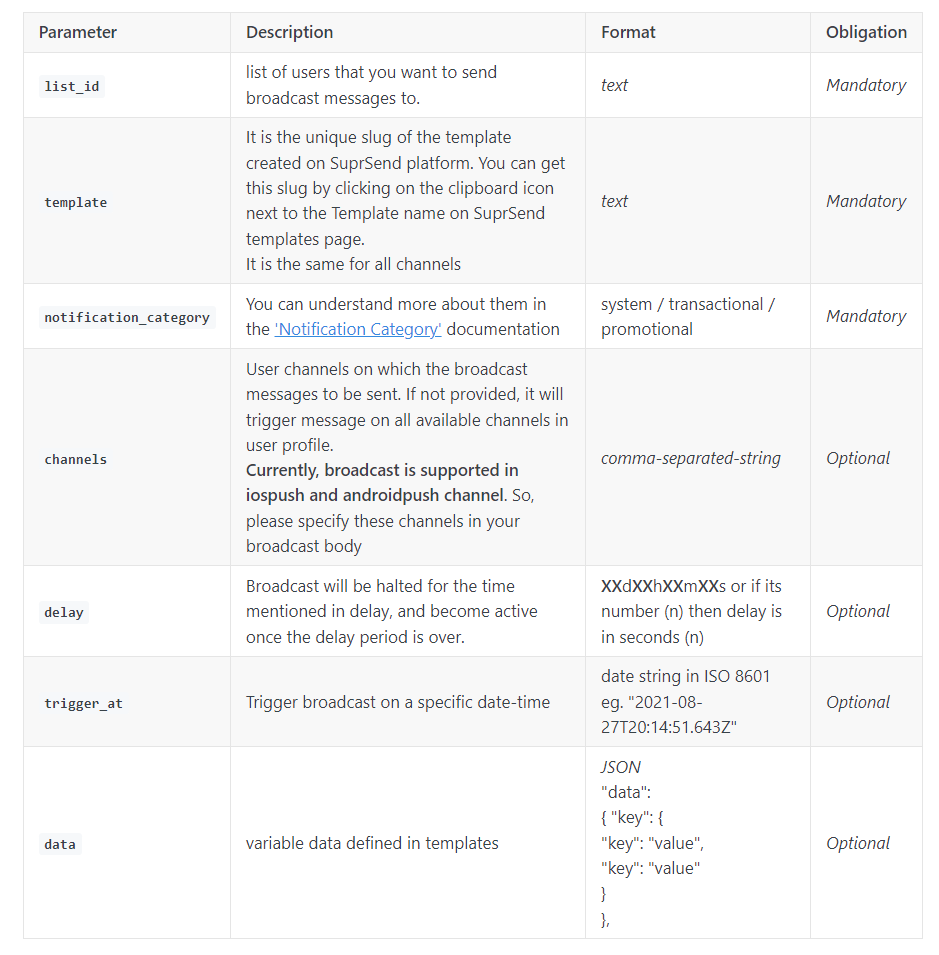
You can use the following fields inside a broadcast body.
##Setting Broadcast Templates
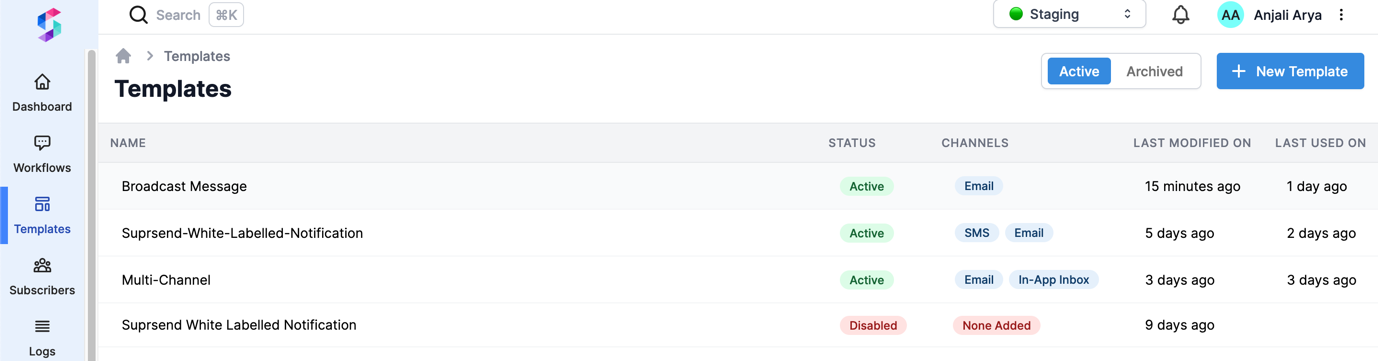
Head to ‘Templates’ inside the application.
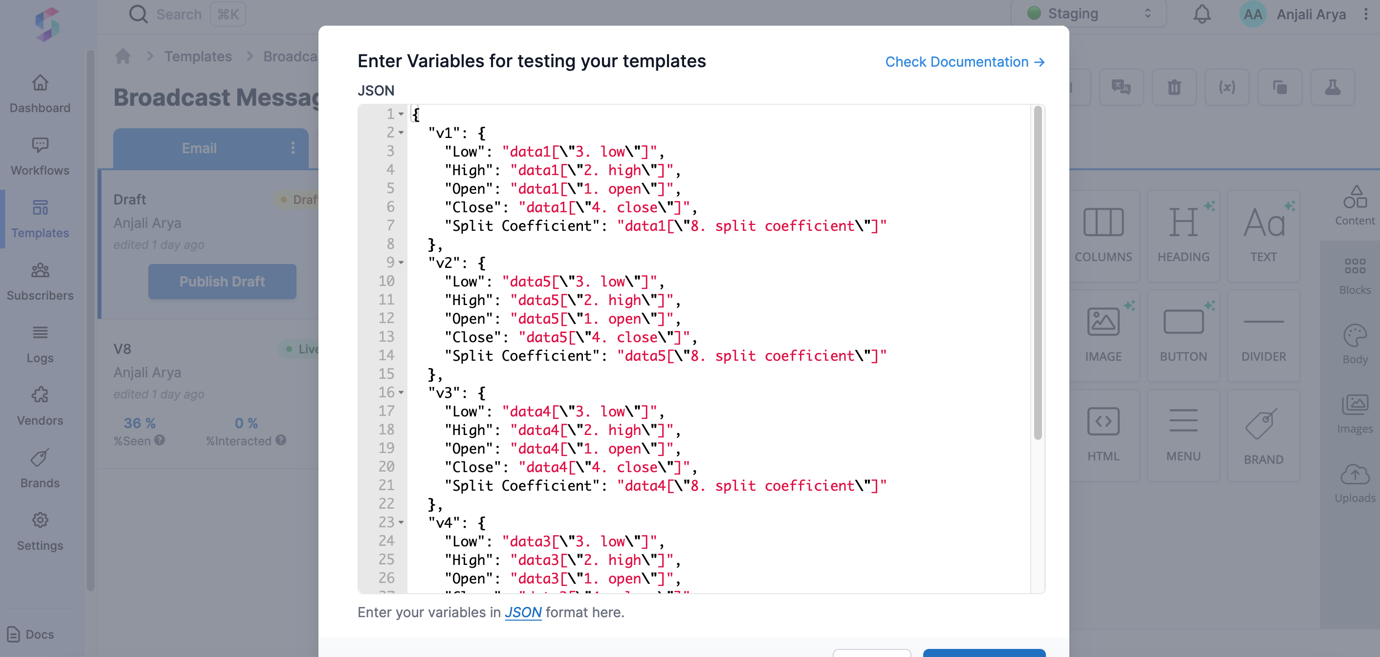
Add mock data using the variables defined in your backend code for the stocks related information.
Customize the template with drag-and-drop features.
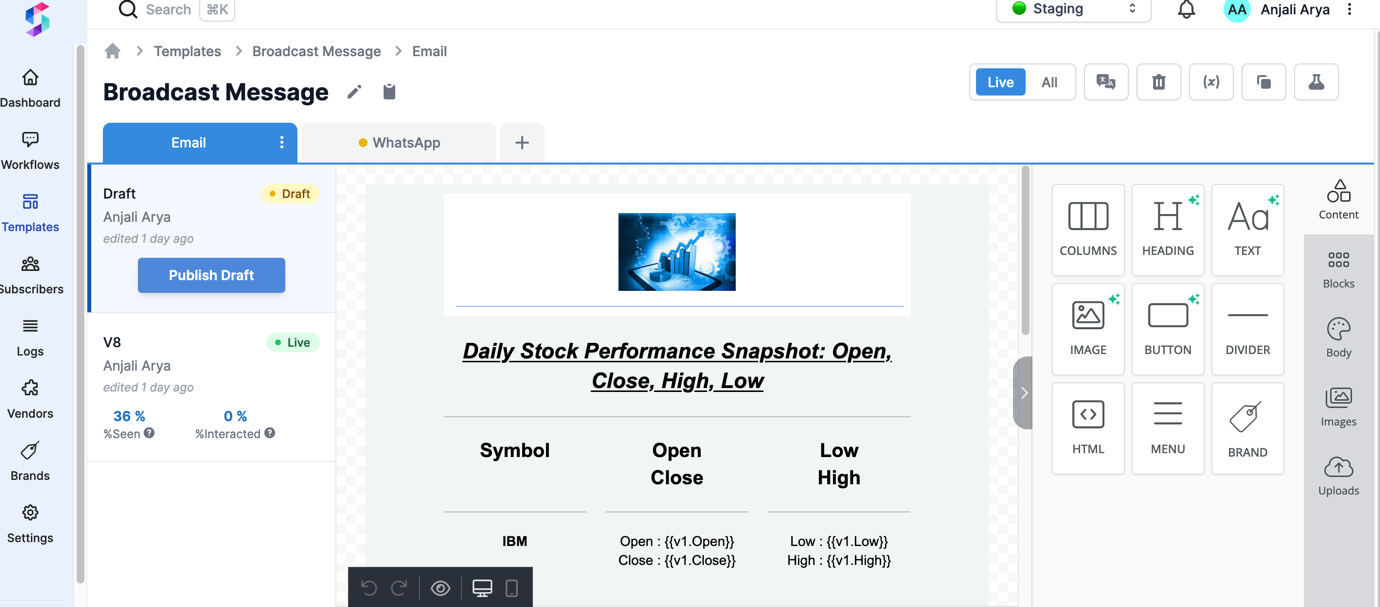
Your users can also unsubscribe from the broadcast list directly by clicking on the ‘Unsubscribe’ button on the template or from the backend using a distinct_id for that user.
app.post("/unsubscribe", (req, res) => {
    const name = req.body.name;
    const data = supr_client.subscriber_lists.remove("stocksubscribers", [
        name
    ]);

    data.then((res) => console.log(res)).catch((err) => console.log(err));
    res.redirect("/");
})

// Starting server
app.listen(3000, () => {
    console.log("server started on port 3000");
})
##Testing Application Create subscribers, then head to Sending Broadcasts. Put in the unique key setup during backend implementation, and your broadcasts would be sent. You can check the broadcast analytics on SuprSend’s analytics and logs section.
##Email Your Users Receive
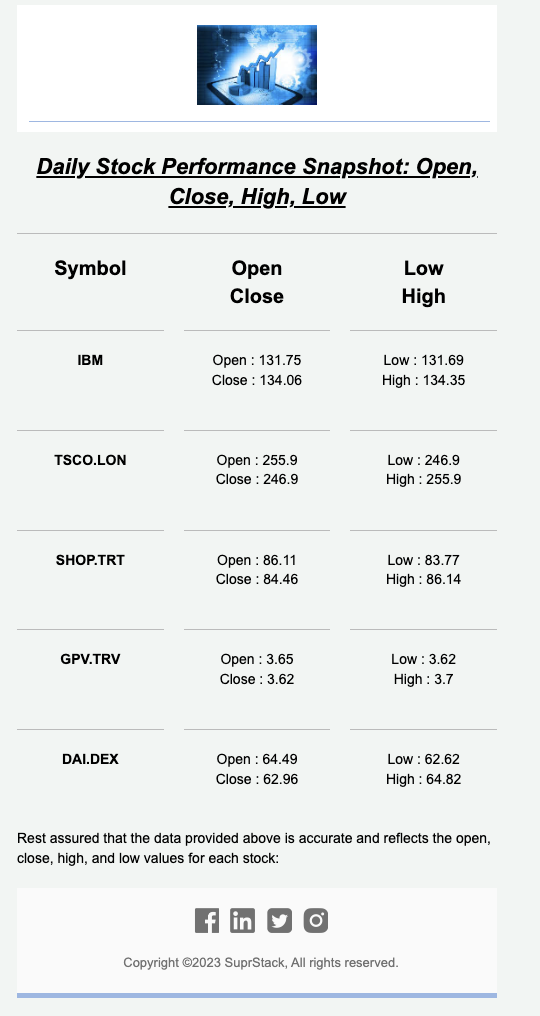
Using the set variable, the data is fetched in real time via the Alphavantage API and dynamically updated in the templates before sending the notifications.
About the author
Developer from SuprSend.
Comments
Join the discussionNo comments yet. Be the first to comment.


